Cometfall
A downloadable game for Windows
🌌 Cometfall
Genre: Arcade • Action • Reflex Engine: Unity Developer: Jinno
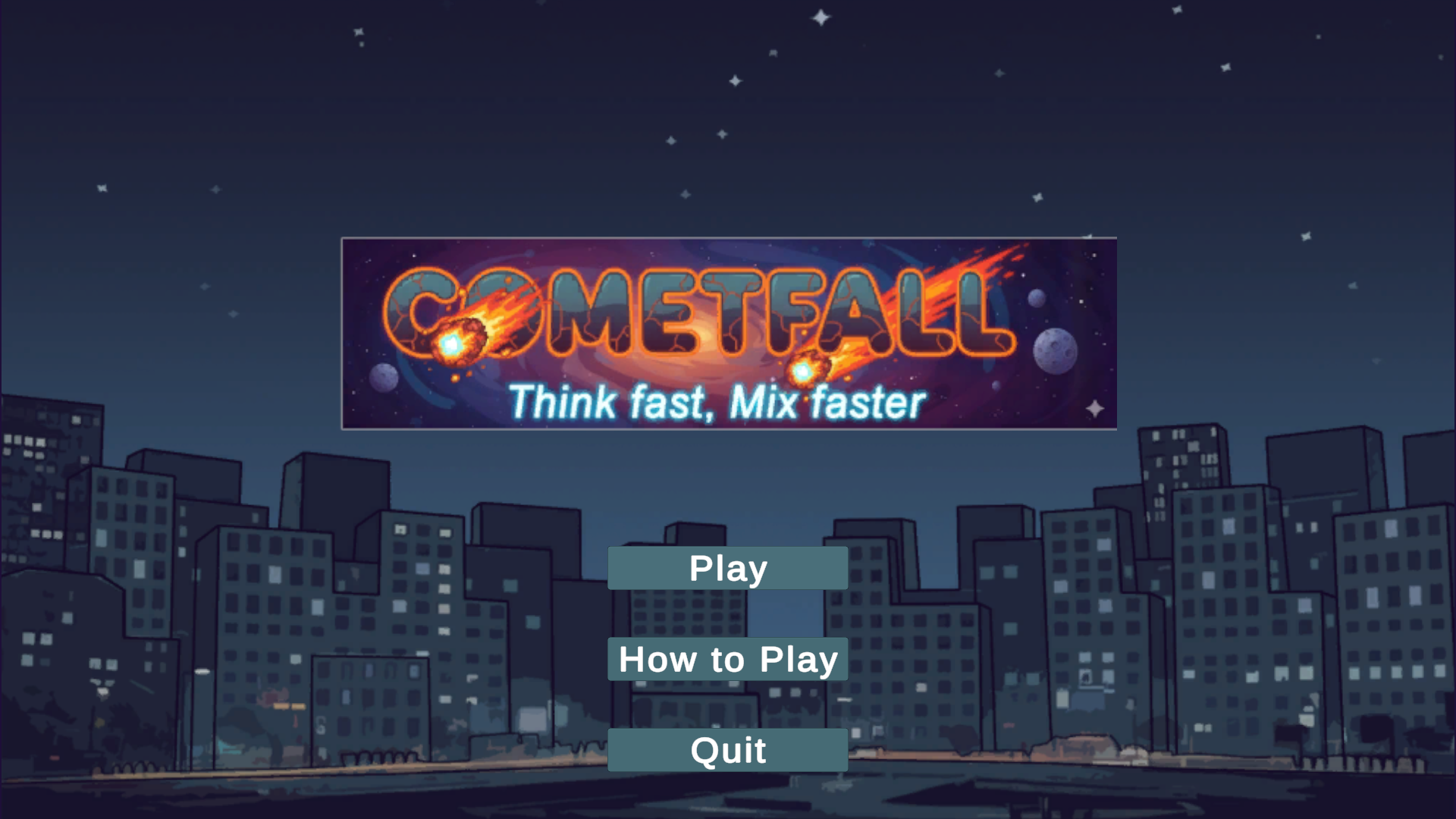
Description: Cometfall is a fast-paced color-matching arcade shooter set in the depths of space. Players control a powerful energy cannon that fires color-coded projectiles to destroy falling comets before they breach the planet’s atmosphere. Every comet carries a unique hue, and only projectiles of matching color can shatter them — testing both precision and reflexes under increasing pressure.
As the game progresses, comets descend faster and in greater numbers, challenging players to think quickly and react instantly. A single missed match or mistimed shot can lead to disaster, while perfect hits reward you with satisfying sound cues and score multipliers.
With glowing particle effects, smooth transitions, and a reactive soundtrack that adapts to the action, Cometfall blends minimalism with intensity — delivering a pure, skill-based arcade experience that keeps players chasing their next high score.
Key Features:
-
🎯 Precision-Based Gameplay: Match projectile colors with comets to destroy them.
-
💥 Dynamic Feedback: Impactful sound effects and visuals for every perfect hit.
-
⏱️ Endurance Challenge: Survive as long as possible against escalating waves.
-
🎶 Adaptive Audio: Seamless transitions between calm and intense music phases.
-
🪐 Minimalist Aesthetic: Clean visuals focused on clarity, reaction, and rhythm.
Download
Install instructions
🚀 Cometfall — Download & Installation Instructions
Step 1: Download
-
Click the download link provided for the Cometfall.zip file.
-
Wait for the download to complete.
Step 2: Extract
-
Locate the downloaded Cometfall.zip file on your computer.
-
Right-click the file and choose “Extract All…” (or use any unzip tool like WinRAR or 7-Zip).
-
Select a destination folder where you’d like the game to be extracted.
Step 3: Launch the Game
-
Open the extracted folder.
-
Double-click Cometfall.exe to start the game.
Step 4: Enjoy the Game
-
Play using your keyboard controls.
-
Press ESC to pause the game or access the main menu.
Notes
-
No installation required — Cometfall runs as a standalone executable.
-
Ensure your system has the latest DirectX and Visual C++ Redistributables installed for best performance.
-
If Windows SmartScreen appears, click “More Info” → “Run Anyway” (the game is safe).
Leave a comment
Log in with itch.io to leave a comment.